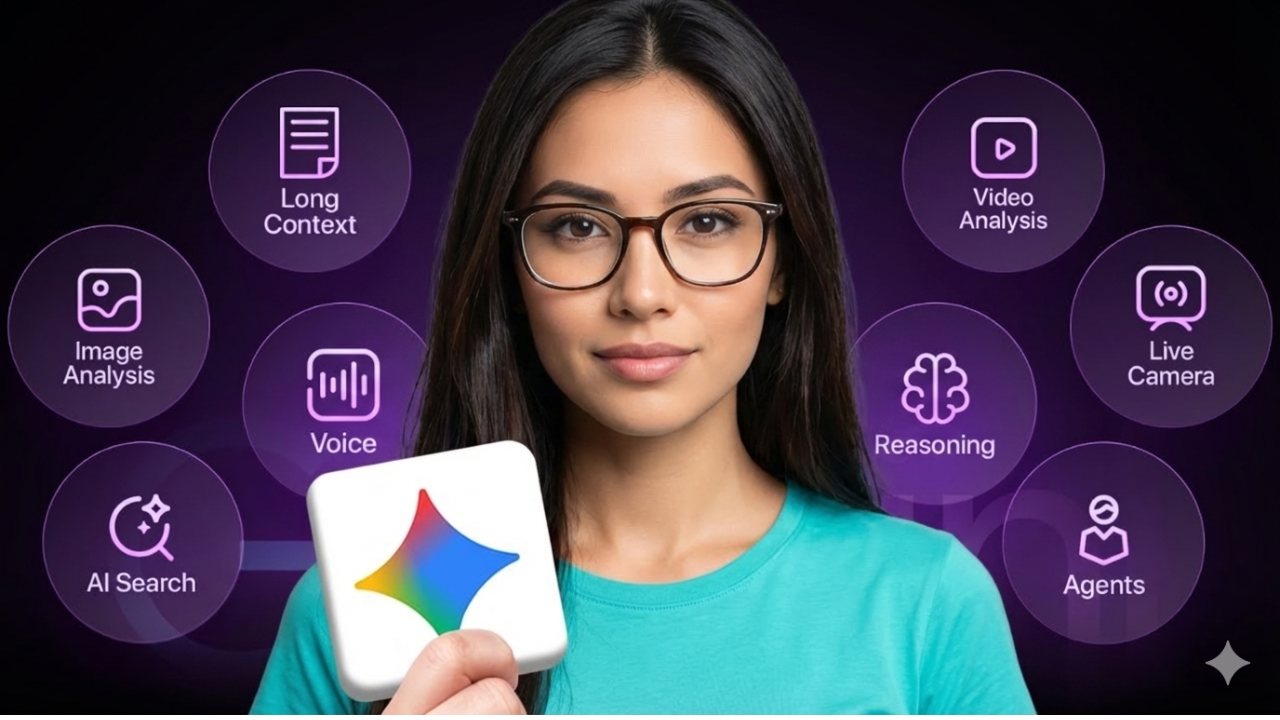
Google quietly changed the rules of AI again.
With the release of Gemini 3.0 Pro, the company didn’t just upgrade its chatbot—it introduced a system that can analyze videos, understand documents at massive scale, generate studio-quality images and videos, build apps, and even turn research papers into podcasts. Yet most people are still using it like a basic search box.
Type a question. Read the answer. Move on.
That’s a huge mistake.
Gemini 3.0 Pro is designed to think, plan, and execute, not just respond. And once you start using its deeper capabilities, it becomes clear that this is less of a search tool and more of a full productivity engine.
What Is Gemini 3.0 Pro?
Gemini 3.0 Pro is Google’s most advanced AI model to date, launched in November 2025. It powers Google’s AI ecosystem across Search, the Gemini app, NotebookLM, image generation, video tools, and developer platforms.
What makes it different is true multimodality. Gemini doesn’t just process text—it understands and generates:
-
Text and long-form documents
-
Images and diagrams
-
Audio and voice conversations
-
Videos (including structure, emotion, and pacing)
-
PDFs, research papers, and datasets
-
Entire codebases and interactive apps
It’s also built for long-context reasoning, with support for up to 2 million tokens, meaning it can process extremely large documents without losing context.
How Smart Is It, Really?
On advanced benchmarks, Gemini 3.0 Pro consistently outperforms competing models:
-
37.5% on Humanity’s Last Exam, a test for deep reasoning
-
91.9% on GPQA Diamond, measuring graduate-level knowledge
-
72.7% on ScreenSpot Pro, which evaluates UI and visual understanding
In practical terms, this means Gemini can reason through complex problems step by step, interpret interfaces visually, and make decisions based on large volumes of information—without falling apart halfway through.
Thinking Before Answering (And Why That Matters)
One of the most important upgrades in Gemini 3.0 Pro is its high-level thinking mode.
Instead of jumping straight to an answer, the model evaluates the problem first. For example, when asked to compare investment options with fees and compound returns, Gemini doesn’t guess—it calculates, compares outcomes over time, and explains the result clearly.
That extra pause may seem small, but it’s the difference between a chatbot and a reliable decision assistant.
Multimodal Analysis: Images, Dashboards, and Video
Gemini’s real strength appears when you stop giving it text-only prompts.
Upload a screenshot of a complex analytics dashboard, and it doesn’t just describe what’s visible—it interprets trends, identifies anomalies, and suggests next steps. It functions like a data analyst who already understands what matters.
Upload a video, and Gemini can:
-
Break it into chapters
-
Identify emotional tone
-
Highlight key moments
-
Suggest edits to improve pacing and clarity
At that point, it’s no longer a transcription tool. It’s acting like an editor.
Long Documents Are No Longer a Problem
Gemini 3.0 Pro handles large documents effortlessly.
Upload a 30- or 50-page research paper, and it can summarize findings, explain methodology, identify limitations, and answer follow-up questions—all while retaining full context.
This is where the 2-million-token window becomes transformative. Instead of skimming or manually searching, you can interrogate documents as if you’ve already read them.
Gemini Inside Google Search
Gemini 3.0 Pro also powers Google’s new AI Mode in Search, which changes how results are presented.
Instead of a list of links, you get:
-
Curated recommendations
-
Key considerations (battery life, performance, durability, etc.)
-
Pricing and shopping cards
-
Context-aware explanations
For complex topics like quantum entanglement, Gemini goes beyond surface explanations. It breaks concepts down, clarifies common misconceptions, and uses analogies that actually make sense—without oversimplifying.
Visual Learning and Interactive Education
Google is clearly positioning Gemini as a learning companion, especially for students.
Gemini can turn abstract concepts—like projectile motion—into visual explanations with diagrams, stages, and clear annotations. Ask it to go further, and it can generate a fully working simulation, complete with Python code, animations, and adjustable parameters.
Instead of reading about physics, you can experiment with it.
Voice Mode and Live Visual Reasoning
Gemini’s voice mode allows natural, spoken conversations. You can brainstorm ideas, plan content, or structure projects without typing a word.
More impressive is Live Mode, where Gemini sees what you see—either through your screen or your camera—and responds in real time.
Show it a handwritten flowchart, and it understands the structure, spots missing steps, and suggests improvements. This feels less like talking to software and more like collaborating with a professional who’s standing next to you.
Image Creation and Editing With Nano Banana Pro
Gemini’s image generation runs on Nano Banana Pro, Google’s most advanced visual model.
Its standout feature is accurate text rendering—something most AI image tools struggle with. Thumbnails, posters, and designs come out with clean, legible typography.
Beyond generation, Nano Banana Pro excels at editing:
-
Transforming lighting and mood
-
Blending up to 14 reference images
-
Maintaining character consistency
-
Applying cinematic color grading
Tasks that once required hours in Photoshop now take seconds.
Video Generation With VEO 3.1
For video, Google introduced VEO 3.1, capable of generating short, realistic clips with native audio.
It can create scenes with synchronized dialogue, ambient sound, and natural movement—without any post-editing. Static images can be animated into smooth product shots, cinematic transitions, or short ads.
Combining Nano Banana Pro images with VEO 3.1 video unlocks an end-to-end creative workflow that’s currently among the best available.
NotebookLM: Turning Documents Into Podcasts
NotebookLM is one of Gemini’s most underrated tools.
Upload documents, notes, or research papers, and it helps you explore the material. One standout feature is AI-generated podcast overviews, where two AI hosts discuss your content conversationally.
Dense research becomes approachable. Static documents turn into audio explanations you can listen to anywhere.
The Bigger Picture
Gemini 3.0 Pro isn’t trying to be a better search engine. It’s trying to be a thinking system—one that understands context, sees what you see, listens when you speak, and creates across formats.
Used properly, it can replace hours of manual work with minutes of focused interaction.
Most people will never move past basic prompts. But those who do will realize something important:
Gemini isn’t just answering questions anymore. It’s helping people think, build, and create at scale.